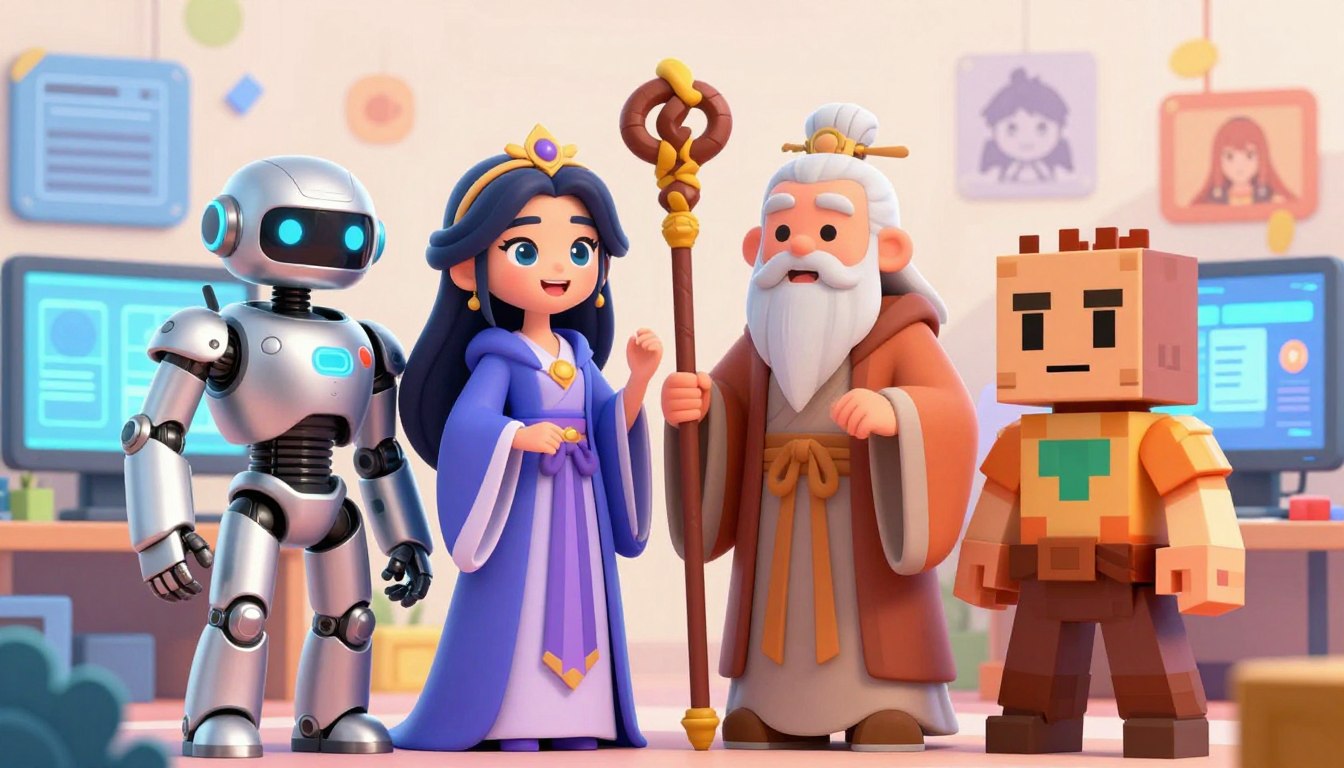

Ever struggled to keep your digital characters looking the same in every scene? It’s like a game of chance, where each new generation moves further from your original idea.
Many creators face this challenge too. They want their subjects to look the same in every setting. Mastering the right tools is key to keeping your characters consistent.
This guide will show you how to keep your designs stable. By using special LoRA models and precise prompt anchoring, your projects will look consistent. Let’s dive into how to stop output drift and make your workflow better today.
Key Takeaways
- Learn to use LoRA models for better visual stability.
- Discover how prompt anchoring keeps your subjects recognizable.
- Understand the root causes of character drift in generation.
- Master professional workflows to save time on manual edits.
- Improve the overall quality of your Stable Diffusion outputs.
Understanding the Basics of Character Consistency
Learning about consistent AI characters starts with grasping latent space. This space is like a map for the model. Your prompts guide it to create what you want.
Why Character Drift Occurs in AI Generation
Character drift occurs when the model loses focus on specific features. It might choose general looks over your details. This leads to small changes that make your character look different each time.
Several things cause this issue, including:
- High levels of creative noise during the initial stages.
- Prompt descriptions that are too broad and lack details.
- The model’s preference for common data over your unique traits.
The Role of LoRAs in Defining Visual Identity
Low-Rank Adaptation, or LoRAs, are special files that add specific visual data. They help keep your subject’s identity consistent. This makes it easier to maintain consistent AI characters in different settings.
Using a well-trained LoRA gives the model a clear reference for your character’s look. This reduces the need for long prompts that might confuse it. It ensures your subject is always recognizable.
Defining Prompt Anchors and Their Function
Prompt anchors are keywords that keep the model focused on your subject’s key traits. They act as a safety net to prevent the AI from deviating. By using these terms, you emphasize your character’s most important features.
To use prompt anchors effectively for consistent AI characters, follow this hierarchy:
| Anchor Type | Purpose | Frequency |
|---|---|---|
| Physical Traits | Locking eye color and hair style | Always |
| Clothing Tags | Maintaining outfit continuity | Always |
| Style Modifiers | Ensuring consistent lighting | As needed |
Setting Up Your PornWorks Environment
Creating a solid pornworks profile begins with a tidy digital space. A well-set environment helps your creative work flow smoothly. Consistency comes from a well-kept system.
Configuring Stable Diffusion for PornWorks Models
For top-notch results, make sure your Stable Diffusion is set up right. Check that your VAE settings match your model’s needs to avoid dull colors. Precision is crucial for models that need to look just right.
“Organization is the silent partner of creativity; without it, even the most talented artist will struggle to maintain a consistent vision.”
Essential Extensions for Character Management
Managing a detailed pornworks profile needs more than basic software. Use TagComplete for precise prompts and ControlNet for character poses. These tools are key to keeping your work consistent.
Organizing Your Model and LoRA Directories
A messy directory slows you down. Organize your models and LoRAs into folders by type or character. This makes finding what you need much easier.
| Directory Type | Purpose | Benefit |
|---|---|---|
| Checkpoint Folder | Base Model Storage | Faster Loading |
| LoRA Sub-folders | Character Specifics | Easy Retrieval |
| Embedding Path | Style Anchors | Prompt Stability |
Keeping your setup organized helps your pornworks profile grow with your assets. Consistency begins with how you organize your data.
Selecting and Training Effective LoRAs
Getting your character to look the same every time starts with good LoRA files. When you pick a model, you set your character’s visual DNA. A great LoRA keeps your character looking the same, no matter the lighting or pose.

Evaluating LoRA Quality for Character Fidelity
Before adding a LoRA to your project, check the training data. Good models are trained on many images from different angles and places. Consistency suffers if the training images are too similar or low quality.
Choose LoRAs trained on diverse datasets. If the training images are too uniform, the model will find it hard to adapt. Test the model with different prompts to see if it keeps the expected features.
Best Practices for Training Your Own Character LoRAs
Training your own LoRA gives you full control over your character’s look. Start with 15 to 20 high-resolution images that clearly show the character’s unique traits. Proper tagging is crucial during this phase, as it helps the model link specific keywords to physical features.
Begin training with moderate epoch settings to avoid over-training. Over-training can make the model only replicate the exact source images. Patience is key when adjusting these settings for the best results.
Balancing LoRA Weights for Optimal Results
After your LoRA is ready, finding the right weight balance is key. If the weight is too high, the model may become too rigid. If it’s too low, the character’s unique look may fade away.
We suggest starting with a weight of 0.7 and adjusting in small increments of 0.1. This iterative approach helps you find the perfect balance. Always watch out for feature bleed, where the model adds unwanted elements to your scene.
Mastering Prompt Anchors for Consistent AI Characters
Prompt anchors are key to keeping consistent ai characters the same in every generation. They give the model steady points to work from, cutting down on visual changes. These anchors help keep your subject looking the same, no matter the scene or pose.
Defining Your Character with Static Keywords
To make your character stand out, pick unique keywords that describe their look. Focus on hair color, eye shape, and facial details. Place these keywords at the start of your prompt to guide the model.
Being consistent means using the same keywords over and over. This creates a visual baseline for the AI to follow. It’s crucial for creating professional, consistent ai characters without needing to adjust them manually.
Using Prompt Anchors to Lock Physical Traits
Prompt anchors lock in specific traits in the model’s latent space. Treat these anchors as essential parts of your prompt. By placing them in the same spot, you stop the model from changing height, build, or skin tone.
Stability comes from keeping the order and wording of these anchors the same. Changing their order can cause the model to see traits differently, leading to small changes in the character’s appearance. Always group your main physical traits together to keep your ai characters consistent.
The Importance of Consistent Clothing and Accessory Tags
Your character’s clothes are also crucial for keeping them consistent. If you don’t include specific clothing tags, the AI might choose random outfits. Always list the exact clothes and accessories in every prompt to keep the look the same.
Using a standardized template for clothes and accessories makes your work easier. It ensures your character looks the same in any situation. By setting these details, you avoid style changes and keep your ai characters recognizable in your project.
Structuring Your Prompts for Stability
The secret to making consistent characters is in how you order your prompt text. When you arrange your instructions well, the model gets your character’s look right. This lets you keep a stable core identity while still being creative with backgrounds and scenes.
The Hierarchy of Prompt Construction
Start your prompt with the most important traits of your character. The model focuses on these first, locking in key features like hair color and facial shape. This foundational hierarchy ensures the AI gets your character right before adding details like clothes or setting.
After setting the core identity, add secondary details. These can be outfits, accessories, or lighting effects. Keeping these details lower in the prompt helps avoid mixing them up with the main character, leading to more predictable output.
Implementing Token Order for Better Consistency
The order of your tokens guides the AI. If you mix conflicting traits too close together, it might get confused. Grouping related traits together helps the model understand your character better.
Use clear tags to separate character traits from scene details. This helps the model know what’s the main subject and what’s the background. Keeping a consistent order in your prompts reduces style shifts.
Using Prompt Editing and Alternating Words
Advanced users use prompt editing to tweak images without losing the character’s essence. This method lets you change specific words during generation. It’s a powerful tool for adjusting expressions or poses while keeping the character’s face and body consistent.
Alternating words is another way to blend traits or soften harsh features. By switching between similar descriptors, you can create a more natural look. These techniques give you the fine-grained control needed for stable batch generations.
Managing Negative Prompts and Weighting
Getting high-quality results in your creative projects often means knowing what to leave out. A well-made negative prompt acts as a critical filter. It makes sure your final work is clean and professional. By telling the model what not to include, you control the look of your nsfw series.
Crafting a Robust Negative Prompt Template
Begin with a master template that fixes common mistakes. Include terms like “extra fingers,” “bad anatomy,” or “deformed limbs.” These tags stop the model from adding unwanted details to your work.
Group related concepts together in your template. For example, keep quality tags separate from style exclusions. This way, you can easily change specific rules for different projects.
Adjusting Weights to Prevent Feature Bleed
Feature bleed happens when background or secondary objects mix with your main character. Use syntax weighting to make your negative constraints more important. This way, the model focuses on what you don’t want.
But don’t overdo it with the weights, as it can harm image quality. Start with small changes and add more as needed. Finding the right balance is key to keeping your character design consistent in a nsfw series.
Filtering Out Unwanted Style Shifts
Style drift occurs when the model tries to follow different artistic styles at once. List any unwanted styles or rendering issues in your negative prompt. This keeps your characters looking the same in all scenes and lighting.
Keep updating your negative prompt list as you change your models. A flexible approach to filtering helps your nsfw series look consistent, no matter the complexity. Consistency is the key to top-notch AI-generated art.
Advanced Techniques for Maintaining Character Identity
To create top-notch AI art, you need to go beyond simple text prompts. Advanced tools are key when basic prompts don’t cut it. They help keep your consistent ai characters looking great in complex scenes.
Utilizing ControlNet for Pose and Composition
ControlNet is a big help for keeping things in place. It lets you use reference images to lock in poses and angles. This way, your frame’s composition stays just as you envisioned it.
With depth maps or openpose skeletons, you get even more control. This is crucial for keeping consistent ai characters in every version. It stops the AI from adding extra limbs or changing shapes.
Applying Regional Prompter for Complex Scenes
Handling many elements in one frame can cause problems. Regional Prompter fixes this by splitting your canvas into parts. You can give each section its own prompt, keeping your character separate from the background.
This method is very powerful for detailed scenes. It keeps your consistent ai characters clear and distinct, even with lots of details around them. It’s like drawing a line to keep things organized and sharp.
Leveraging Latent Couple for Multi-Character Consistency
Keeping different characters in the same scene distinct can be tough. Latent Couple helps by adjusting prompt weights for each character. This way, each person in the scene has their own unique look.
Latent Couple is perfect for scenes with many characters. It’s the best tool for keeping consistent ai characters when they’re together. With these advanced techniques, your vision stays clear from start to finish.
Troubleshooting Common Consistency Issues
Even with a perfect setup, you might notice your character’s appearance shifting unexpectedly during generation. These technical hurdles are a normal part of the creative process when working with complex AI models. By applying a systematic approach, you can quickly restore your character’s intended look and maintain high production standards.
Fixing Facial Feature Distortion
Facial distortion often occurs when the resolution is too low for the model to render fine details accurately. You should enable Hires.fix to upscale your images while maintaining structural integrity. Adjusting the denoising strength is also vital; keeping it between 0.3 and 0.5 usually prevents the AI from hallucinating new features.
If the face still appears blurry or incorrect, consider using a dedicated face restoration tool like CodeFormer or GFPGAN. These tools act as a final pass to sharpen eyes and mouth details. Always verify that your prompt anchors for facial features remain consistent across your generation settings.
Correcting Inconsistent Body Proportions
Inconsistent body proportions often stem from conflicting prompt weights or overly complex pose descriptions. You can resolve this by utilizing ControlNet to lock in the skeletal structure of your character. This ensures that limbs and torso dimensions remain stable regardless of the prompt variations you introduce.
Another effective method involves reviewing your weight distribution for physical descriptors. If your character appears too thin or bulky, slightly reduce the weight of those specific tags in your prompt. Fine-tuning these values allows you to find the perfect balance for your character’s unique silhouette.
Resolving Style Drift During Batch Generation
Style drift happens when the model gradually loses the aesthetic consistency of your original vision during long batch runs. To prevent this, you must ensure that your seed values are managed correctly. Using a fixed seed for initial tests helps you isolate which prompt changes are causing the drift.
You should also audit your negative prompts to ensure they are not accidentally filtering out essential style elements. If the style continues to shift, try reducing the batch size to maintain tighter control over the generation environment. Consistency is a result of iteration, so do not hesitate to refine your workflow as you go.
Workflow Optimization for NSFW Series
Creating a structured production pipeline can greatly reduce manual labor. When working on a long-term nsfw series, consistency is key. A reliable pornworks profile ensures all images meet your visual standards.
Creating a Master Character Profile
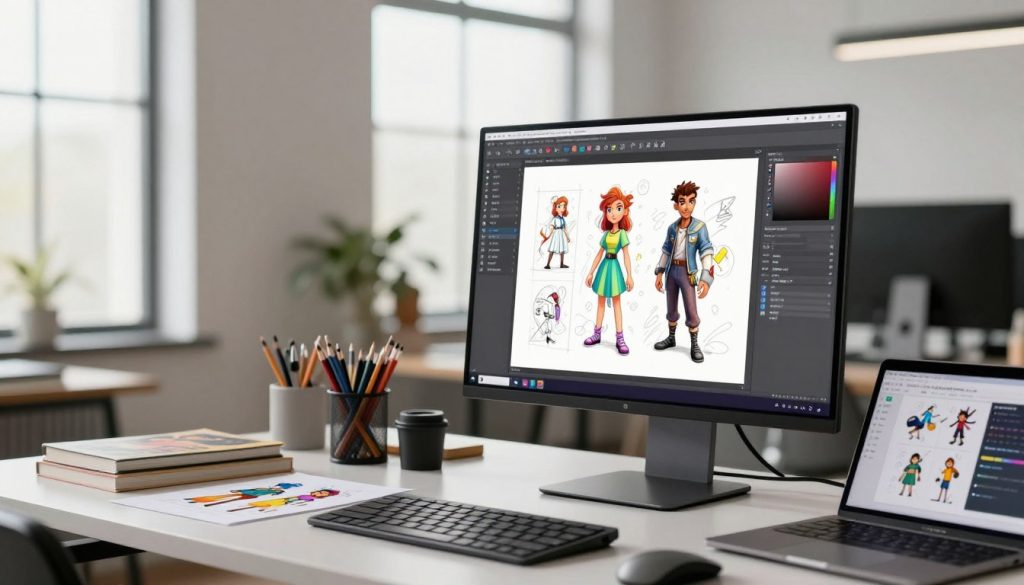
A master profile is a central hub for your character’s traits. Save your best prompt strings, LoRA weights, and negative embeddings in one file. This template is the base for every new scene.
Keeping this profile up-to-date saves you from starting over for each image. Consistency is maintained by keeping core parameters the same. This lets you focus on creative variations, not technical tweaks.
Automating Generation with X/Y/Z Plotting
Manual testing is slow and often results in uneven images. The X/Y/Z plot feature automates comparing different settings. It shows how changes affect your final image.
This method helps find the perfect settings for your character quickly. Here’s a table showing how to test and optimize your generation settings:
| Parameter | Low Value | Optimal Value | High Value |
|---|---|---|---|
| LoRA Weight | 0.5 | 0.8 | 1.2 |
| CFG Scale | 5.0 | 7.0 | 9.0 |
| Sampling Steps | 20 | 30 | 40 |
Maintaining Continuity Across Different Scenes
To keep your nsfw series looking professional, apply your pornworks profile in various settings. Use fixed seed numbers for consistent facial structure in different lights. This keeps your character recognizable, even with changing backgrounds or actions.
Always check your batch outputs to prevent style drift during long sessions. By combining automated testing with a strict template, you create a smooth production environment that supports your vision.
Conclusion
Creating perfect character consistency is a mix of technical skill and creative vision. You now have the tools to make your creative projects better with PornWorks models and Stable Diffusion.
Improving your work is an ongoing journey. Try new LoRA weights and prompt combinations to explore your digital art. Each new generation helps you understand how your model sees your vision.
Stay involved in the Stable Diffusion community to keep up with updates. New tools and training methods come out all the time to help you improve. Your hard work makes your characters stand out and memorable in every scene.
Begin your next project with confidence. Use these strategies to create a collection of high-quality assets that show off your unique style. Your journey to creating professional-grade AI starts with consistently applying these key principles.
FAQ
How can I ensure my consistent ai characters look the same across different scenes?
To keep your ai characters looking the same, use LoRA models and prompt anchors. LoRAs from PornWorks help lock in facial features and body shapes. Include specific keywords in every prompt to keep the character’s look consistent.
What is the benefit of creating a PornWorks profile for my projects?
Having a PornWorks profile helps organize your models and prompts. It’s key for creating a master character profile. This keeps your settings stable and your workflow efficient, especially when making lots of content.
Why does character drift occur during the generation process?
Character drift happens when the model loses focus on certain traits. This is often due to complex prompts or lack of reinforcement. Use a strict prompt order to keep important traits at the top.
How do I maintain continuity when producing a long-form nsfw series?
To keep continuity in an nsfw series, use consistent clothing and accessory descriptions. X/Y/Z plotting helps test parameter stability. Automate your pipeline and use ControlNet to keep poses consistent, even with changing backgrounds.
What role does ControlNet play in maintaining character identity?
ControlNet helps control the pose and composition of your subject. It works with LoRAs to prevent unnatural body proportions. This is crucial for keeping the character’s identity consistent in dynamic scenes.
How can I fix facial feature distortion in my batch generations?
Check your LoRA weights if you see distortion. Too much weight can cause “fried” images, while too little can lose the character’s look. Refine your negative prompt and use Adetailer to improve facial clarity.
Can I use multiple characters in one scene while keeping them both consistent?
Yes, you can use multiple characters in one scene. Tools like Latent Couple and Regional Prompter help. They let you apply different LoRAs and prompts to each character, keeping their identities distinct.
What are the best practices for training my own character LoRAs?
Train your LoRAs on diverse, high-quality datasets. Use precise captions and avoid over-fitting. Once trained, add the model to your PornWorks profile and test it. Find the best weight for consistent ai characters.